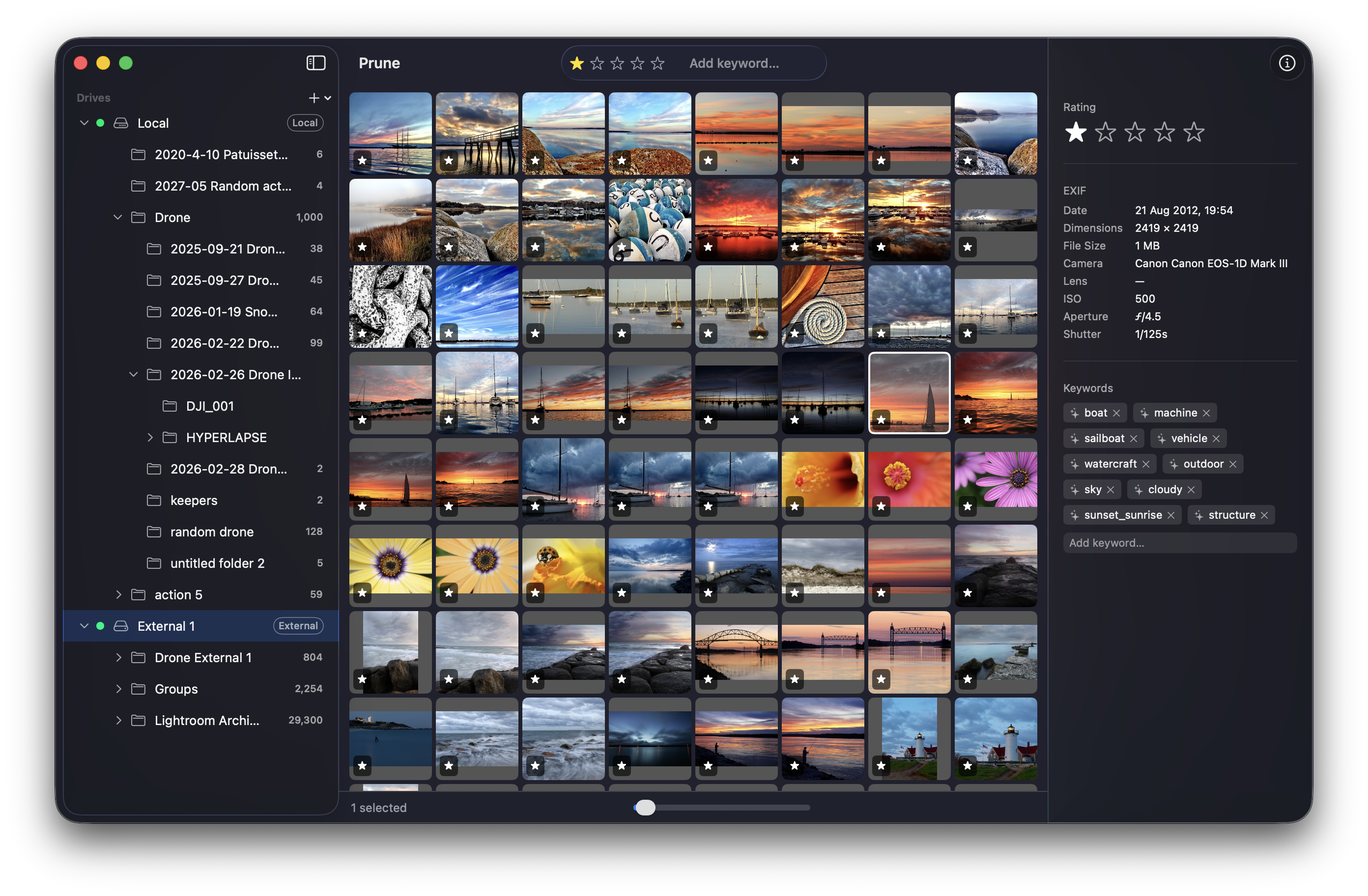
You manage your own folders.
Every other app wants to import your files into its own library, move things around, and make itself the center of your workflow. Prune works with your folder structure, exactly as it is.
You have drives you can't always plug in.
Prune indexes every drive you add. Thumbnails, ratings, and keywords are always available — even when the drive is sitting on a shelf in another room.
You're tired of paying Adobe.
Lightroom Classic is $10–55/month for tools you mostly don't use. Prune is $1.49/month and does the one thing you actually need: keep your archive organised.
Features
Built for the way you actually work
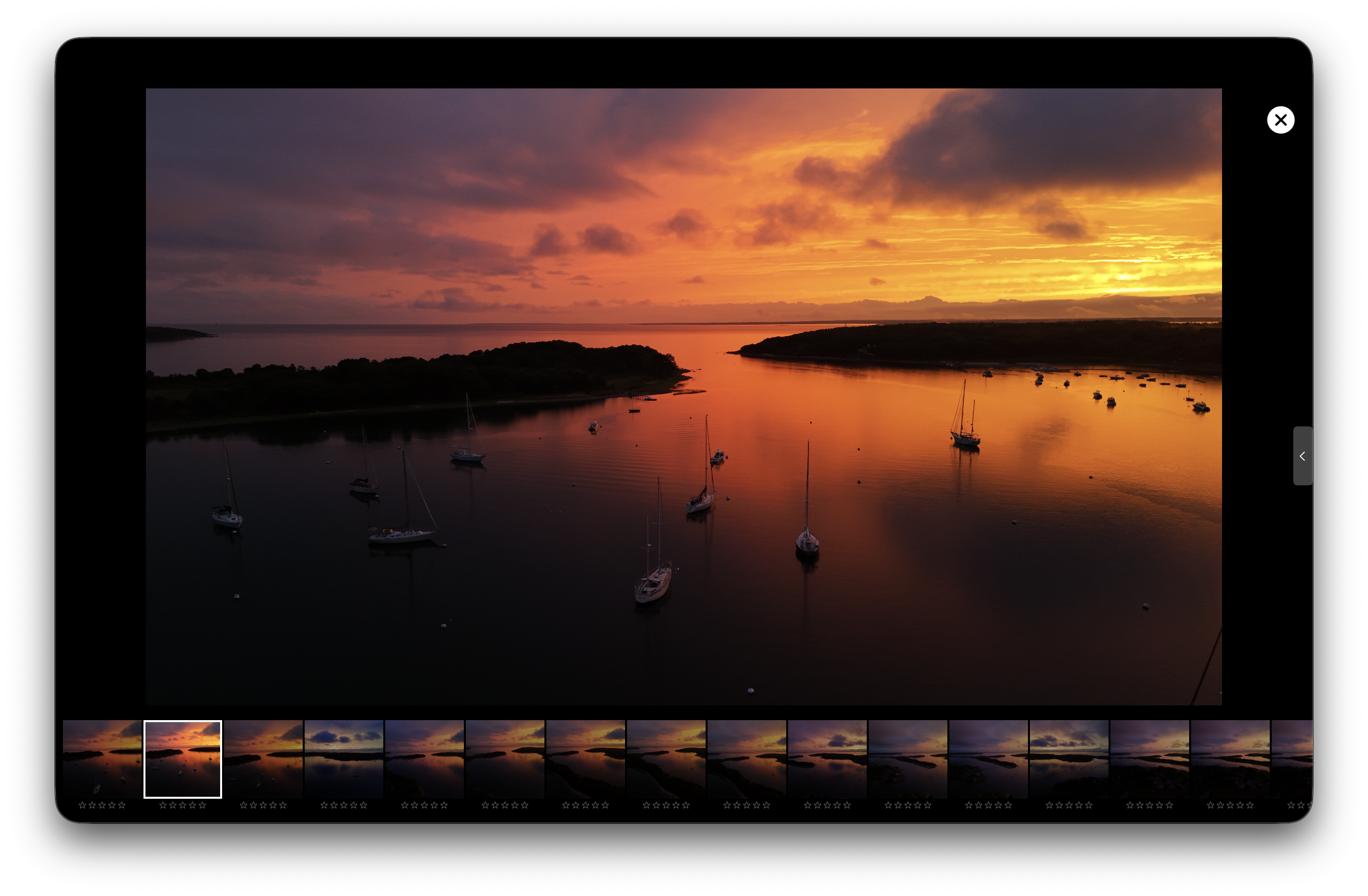
Cull at full resolution. No waiting.
Open any photo in full-screen loupe view and your original RAW or JPEG loads directly — no transcoding, no proxy generation, no delay. Zoom to 100% to check focus, navigate with arrow keys, and rate on the fly without ever touching the mouse.
- Arrow keys navigate, 1–5 keys rate
- Filmstrip with star ratings along the bottom
- Z key toggles fit-to-screen and 100% zoom
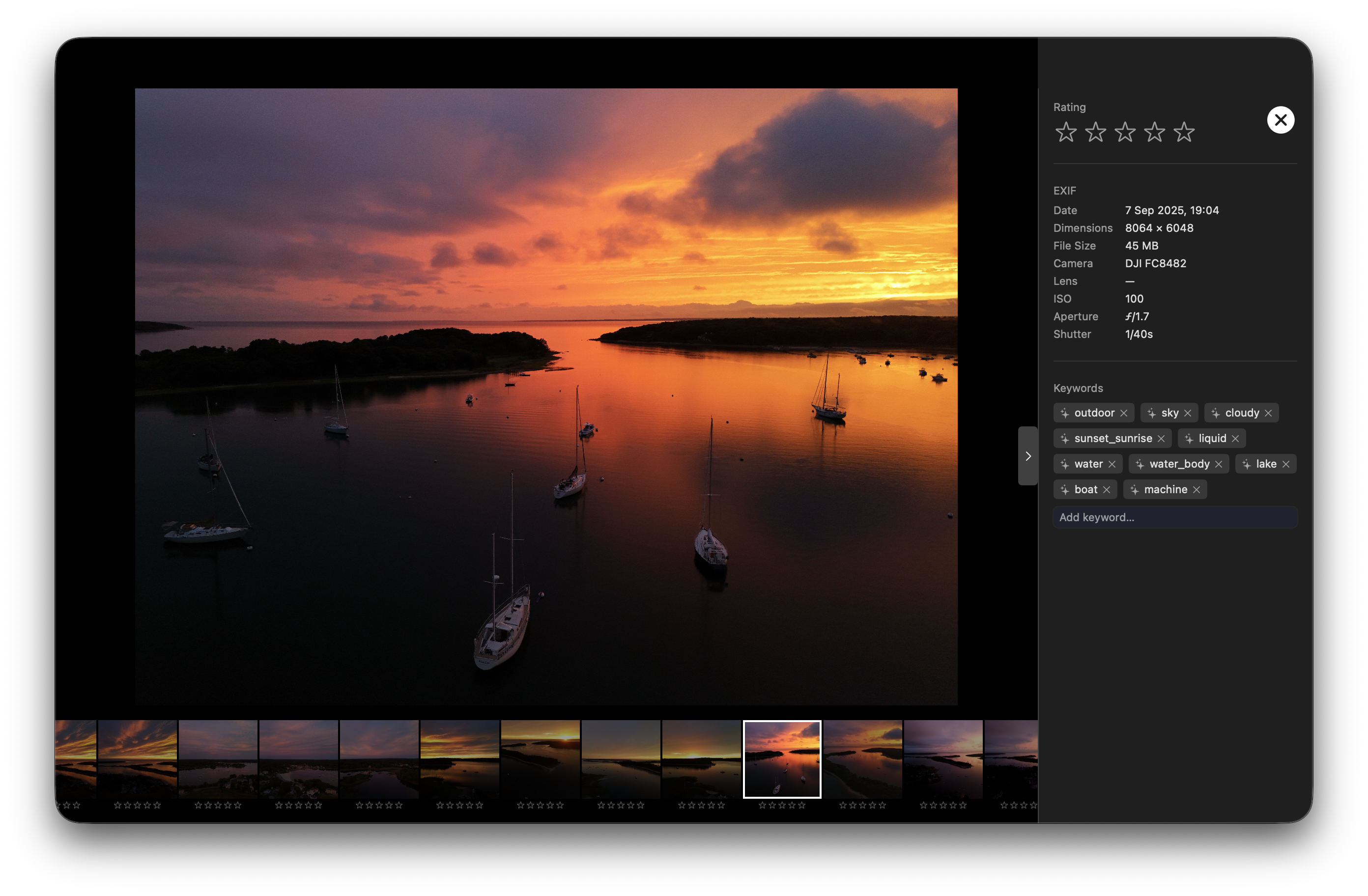
Keywords without the busywork.
Prune uses Apple Vision to analyze every photo on ingest and suggest keywords automatically — entirely on-device, with nothing sent to a server. Review what it found, keep what fits, and add your own. Your keyword vocabulary builds itself as you work.
- AI suggestions run in background after ingest
- No photos leave your machine
- Batch-apply keywords across multiple selected photos
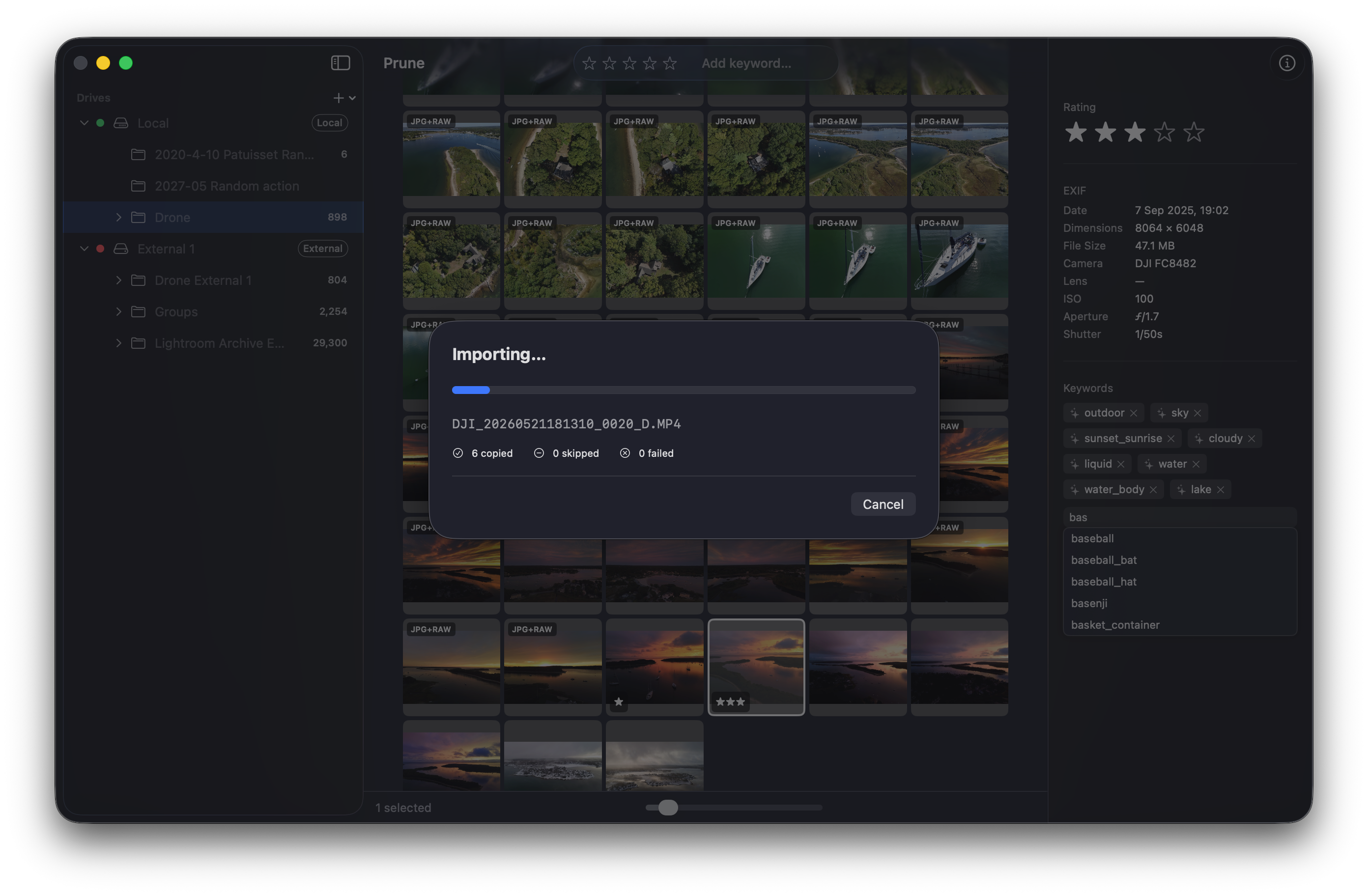
Import from a card. Know it worked.
Every file copied from your card is verified with a SHA256 checksum. If a read error or interrupted write corrupts a file during transfer, Prune catches it before you format the card. Your originals are never renamed, moved, or modified without your instruction.
- SHA256 checksum on every copied file
- Duplicate detection — skip or replace, your choice
- Destination folder auto-indexed on completion
Drop files in a folder. They just appear.
Prune watches every folder you've registered using macOS FSEvents. The moment new files land — from Lightroom, from an AirDrop, from a sync — they're indexed, thumbnailed, and AI-tagged automatically. No manual import step. No refresh button. It's just there.
No other native Mac photo manager does this.
Pricing
Simple, honest pricing.
14-day free trial. Cancel any time. Your photos stay exactly where they are.
Monthly
- All features included
- 14-day free trial
- Cancel any time
Annual
$1.25/month — save 16%
- All features included
- 14-day free trial
- Cancel any time
If you stop subscribing, your photos are exactly where you left them. Prune doesn't hold anything hostage.
TestFlight Beta
Want new features before they ship?
Prune is live on the App Store, but the beta is where new features land first. TestFlight is free — no subscription required. You may hit rough edges, but you'll also get a direct line to the developer and a chance to shape what Prune becomes.
Drop your name and email and I'll send you a TestFlight invite. macOS 14+ required.
— Don Parkinson, Knot Systems
You're on the list — I'll send your invite soon.